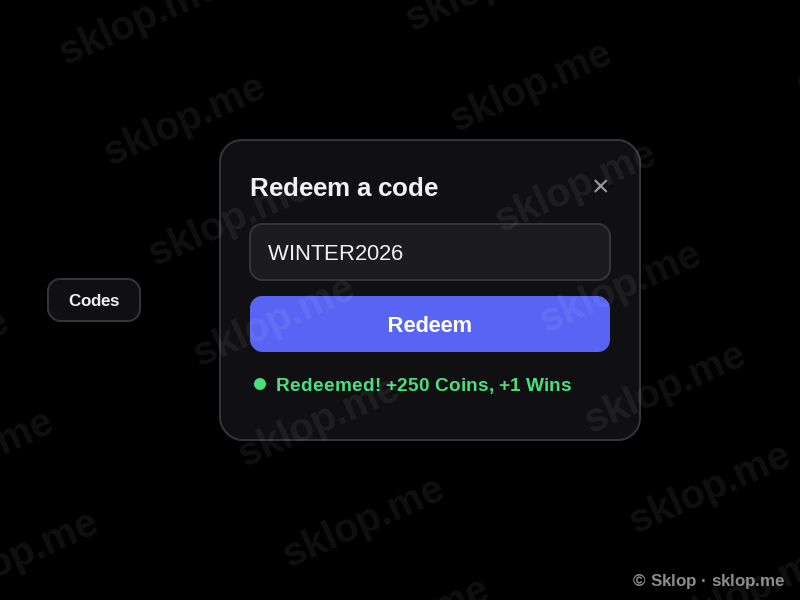
CodeKit: Redeem Codes
Redeem codes for your game: a ready-made window, expiring and limited codes, saved per player.
Overview
A complete redeem-codes system. Players open a clean, phone-friendly window, type a code and get their reward. You write your codes in one Config table; CodeKit handles saving, limits, expiry and abuse.
Features
- Ready-made redeem window with a Codes button, Enter-to-submit and clear success and error messages; scales down on phones
- Each player can redeem each code once, saved with DataStoreService, so rejoining or switching servers doesn't reset it
- Codes that expire, codes that start on a date, and limited codes (for example the first 100 players)
- Group-only codes and a minimum account age to stop alt accounts farming rewards
- Rewards go straight into leaderstats (works with the free Leaderstats Saver), or give tools, pets and items with a grant function
- Codes ignore case and spaces, so "Winter2026" and " winter2026 " both work
- Rate limiting: one try per second and at most 8 wrong codes a minute per player, which makes guessing codes impractical
- API for your own scripts: redeem from a chat command or NPC, check who redeemed what, and listen for every redemption
- Use your own button instead: hide ours and open the window from any LocalScript or server Script
Technical details
- Architecture: server-authoritative. The client only sends the typed text; every check and reward happens on the server
- Saving: UpdateAsync for both the per-player history and limited-code counters, so the same player can't double-redeem from two servers and a limited code doesn't go over its limit
- Networking: one RemoteFunction (Redeem) and one RemoteEvent (Window), created in ReplicatedStorage.CodeKit
- Studio-friendly: without Studio API access it keeps redeemed codes in memory while you test, and says so in the Output
- Config is validated on start: a typo in a date, reward or limit skips that code with a clear warning instead of breaking the rest
- Compatibility: Luau as of November 2026; works with R6/R15, StreamingEnabled, mobile and console
Setup
- Download CodeKit.rbxmx and drag it into Roblox Studio.
- Move the CodeKit script into ServerScriptService.
- Open CodeKit > Config and write your codes and rewards.
- Game Settings > Security: turn on Enable Studio Access to API Services and Allow HTTP Requests.
- Press Play and click Codes.
Requirements: a leaderstats folder for currency rewards (for example from Leaderstats Saver), or a grant function for other rewards. No coding needed to add codes.
Licensing: CodeKit includes SklopGuard, which checks with Sklop that the experience owner holds a license. It keeps working if Sklop can't be reached and only turns off if your license is revoked.
License: you receive a non-exclusive license to use this code in your own experiences, including monetized ones. This does not give you permission to resell, share or redistribute the source files, modified or not.
What's included
- CodeKit.rbxmx: the CodeKit server Script with its Config, Api and SklopGuard modules and the redeem window
- Setup notes at the top of the CodeKit script
Technical details
Compare- Type
- Script + 3 ModuleScripts + ScreenGui
- Data saving
- DataStoreService, atomic UpdateAsync with retries
- Code options
- Expiry, start date, use limit, group-only, account age
- Networking
- 1 RemoteFunction, 1 RemoteEvent
- Rate limit
- 1 try/second, 8 wrong codes/minute
- Setup time
- About two minutes
Changelog
License
- Use it in any of your own experiences
- Use it in monetized games
- Edit and extend it for your projects
- Resell, share or re-upload the files
- Sublicense or give them away
- Use them in rule-breaking projects
Non-exclusive, non-transferable license. Full terms in the EULA.
Reviews
Sign in and add this asset to review it.
No reviews yet.
More scripts
Compare side by side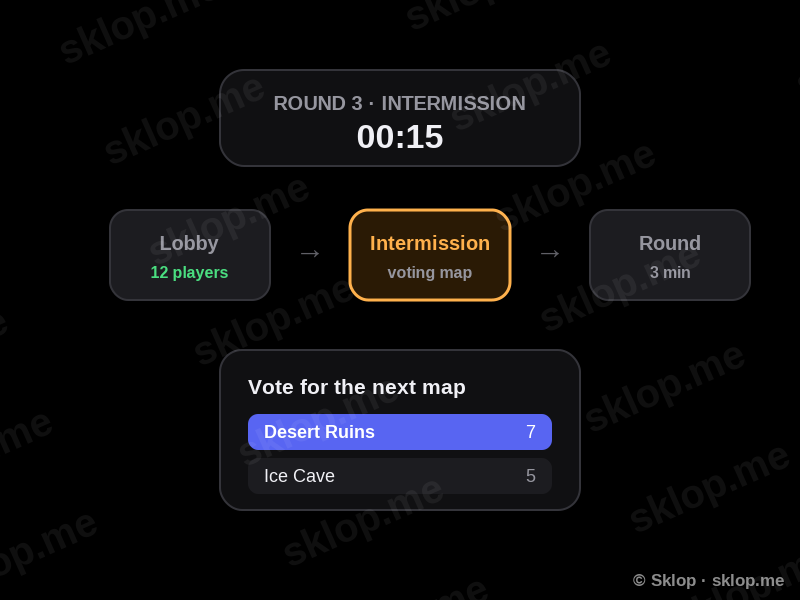
RoundKit: Round Manager
$4.99Lobby, intermission, map voting and timed rounds: the game loop, ready to use.
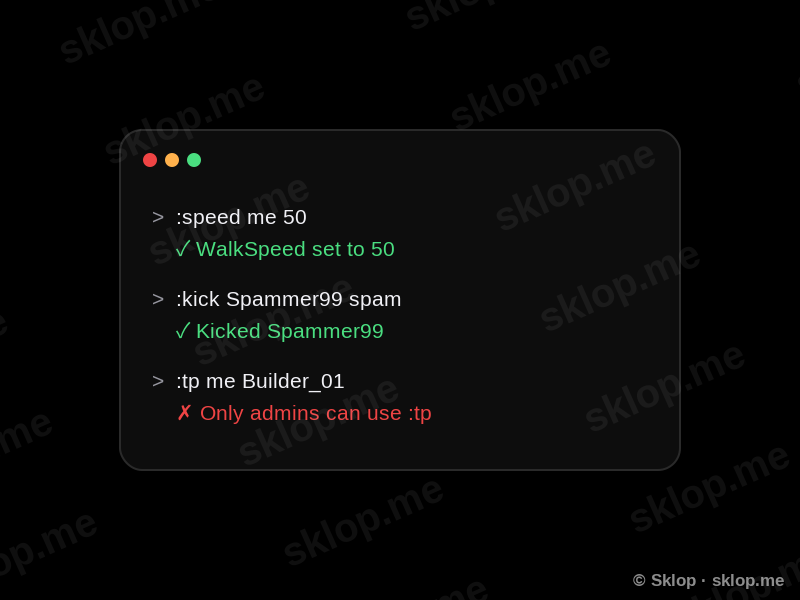
Admin Commands Lite
SoonFree chat admin commands: kick, speed, teleport and more, for you and your mods.
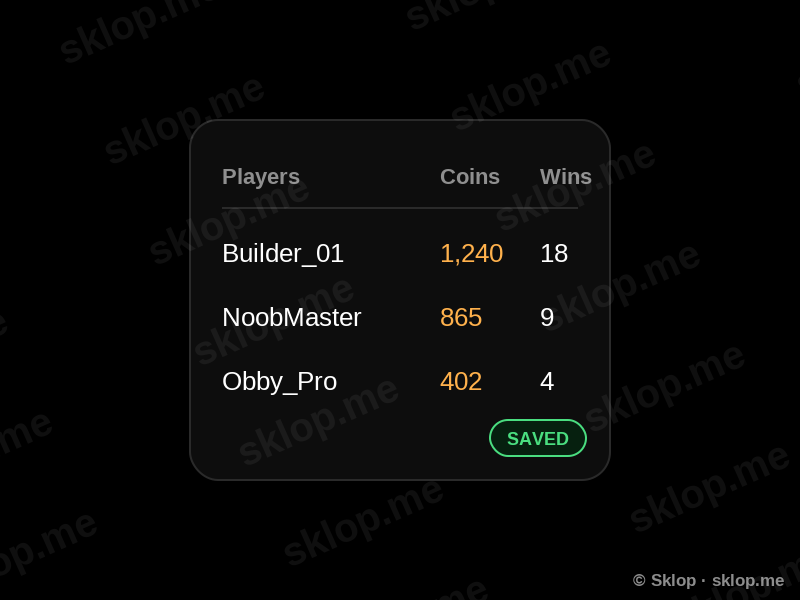
Leaderstats Saver
FreeLeaderstats that save between sessions. Free, one script, set up in a minute.